Accessibility Espresso #9 ☕
September 4, 2026
|
|
{if %lastname != ''}{if %gender == 'female'}Dear Ms{elseif %gender == 'male'}Dear Mr{else}Dear Ms / Mr{/if}{if %title != ''} {%title}{/if} {%lastname}{else}Dear Reader{/if},
welcome to the new issue, this time featuring the following topics:
On 27 September the EU bans the claim that a widget makes a site compliant - no transition period, no case-by-case review. Six jurisdictions, one standard underneath them all. And a button rebuilt from scratch costs 500 lines of JavaScript.
I wish you an enjoyable read.
Best regards,
Jan Deppisch
|
|
⭐ Topic of the Week
|
|
|
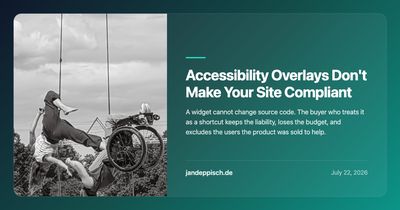
In 3 weeks, on 27 September 2026, the EU's EmpCo Directive applies with no transition period, and its black list bans exactly the claim overlays are sold on - that a widget makes a site WCAG compliant. No case-by-case review; a competitor or consumer body can simply file. The evidence was already in: Karl Groves measured 46% of planted issues fixed across 29 React components, only about 32% of WCAG A and AA is automatable, and the widget itself fails 2.1.1, 1.4.13 and 2.4.7. Now the pitch is unlawful too. UsableNet counted 831 US lawsuits against widget-equipped sites this year.
|
|
|
📋 The Bigger Picture
|
|
|
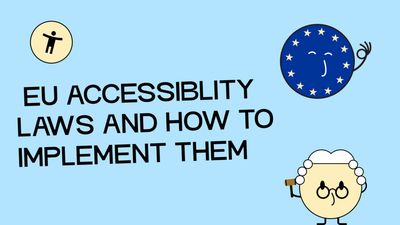
The useful part is not the fines, it is the ladder. Alexandra Groves lays out the same four rungs for every country: EAA, national law, national regulation, EN 301 549. The public sector climbs a parallel ladder from the Web Accessibility Directive, which is why Germany's BFSG and BITV 2.0 are not one rulebook. The trap she flags: BITV 2.0 is federal and every Bundesland has its own version, so a municipal client means reading the state regulation. France predates the EAA and is enforced hardest. Everything terminates at EN 301 549. German clients also owe an accessibility statement refreshed at year end.
|
|
|
|
|
Nina Gerling's rule of thumb is that the BFSG follows the consumer rather than the website: sites and apps where a contract is closed, e-books and readers, self-service terminals, streaming, telecoms. A brochure site with no transaction often falls outside it entirely. The sharper half is where digital meets physical - cash machines, and real-time text for deaf callers, which hangs on the mobile networks.
|
|
|

|
|
Read again at a distance, this is not a piece about AI at all. It is a complaint with an ask at the end. Léonie Watson separates AI as augmentation, which she will not apologise for, from AI as a substitute for accessibility someone else skipped. The EAA, 125,000 words with no headings, costs her four hours even at the 500 words per minute her screen reader manages. Calvin Klein gives every product image the same description, a copy of the page title. Her closing line is the point: stop leaving the decision about AI to disabled people. Build it properly.
|
|
|
⚙️ In Practice
|
|
|
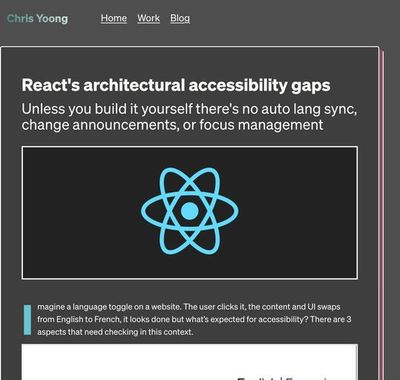
The detail worth keeping is not the useEffect, it is the trade-off underneath it. Chris Yoong cites Marcy Sutton's 2019 Fable testing with five disabled participants: focusing the h1 was fastest for screen readers, and broken for screen magnification, where the browser scrolls into the middle of a wide heading and clips the text at both edges. Keyboard-only users cannot reach main at all, because landmarks are not focusable. The skip-link was the only pattern that held across every group. React 19 hoists title - and explicitly not lang. SvelteKit ships all three fixes as framework defaults; React ships none.
|
|
|
|
|
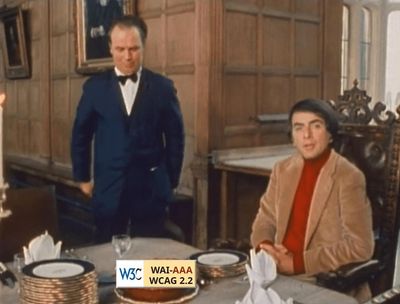
Asked what to do when your agent writes inaccessible code, Marco Campos answers that LLMs produce it by default. The 4,000 words before that are the argument for why that matters. He rebuilds a button as a custom element: role, accessible name, tabindex, mouse, touch and pointer events, form participation, validation, the disabled state, and finally a wrapper around addEventListener so other people's handlers still run last. Almost 500 lines of JavaScript for part of what a native button does with zero. The title parodies Carl Sagan.
|
|
|
|
|
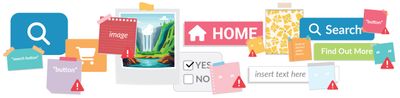
Three technologies read the same string, and that is the part usually left out: screen readers announce it, voice control searches for it, braille displays render it. Whitney Lewis gives the precedence order - aria-labelledby, aria-label, native labelling, text content, title - then shows a button reading "Submit" that announces "Refresh", because a pasted aria-label sits higher on that list. Her recommendation is not more ARIA but less: use a visible label, and where you cannot, hide it with CSS so the name is still the text content. WAVE's Order view lists every interactive element in under two minutes.
|
|
|
|
View in browser
Unsubscribe
|
|
|
© 2026 Jan Deppisch ·
jandeppisch.de
|
|